
How to save Instagram recipes and find them later
Save Instagram recipe links with your own cooking notes, check saved ingredients, and find the dish again when you are ready to shop, plan dinner, or cook.
 Uros
Uros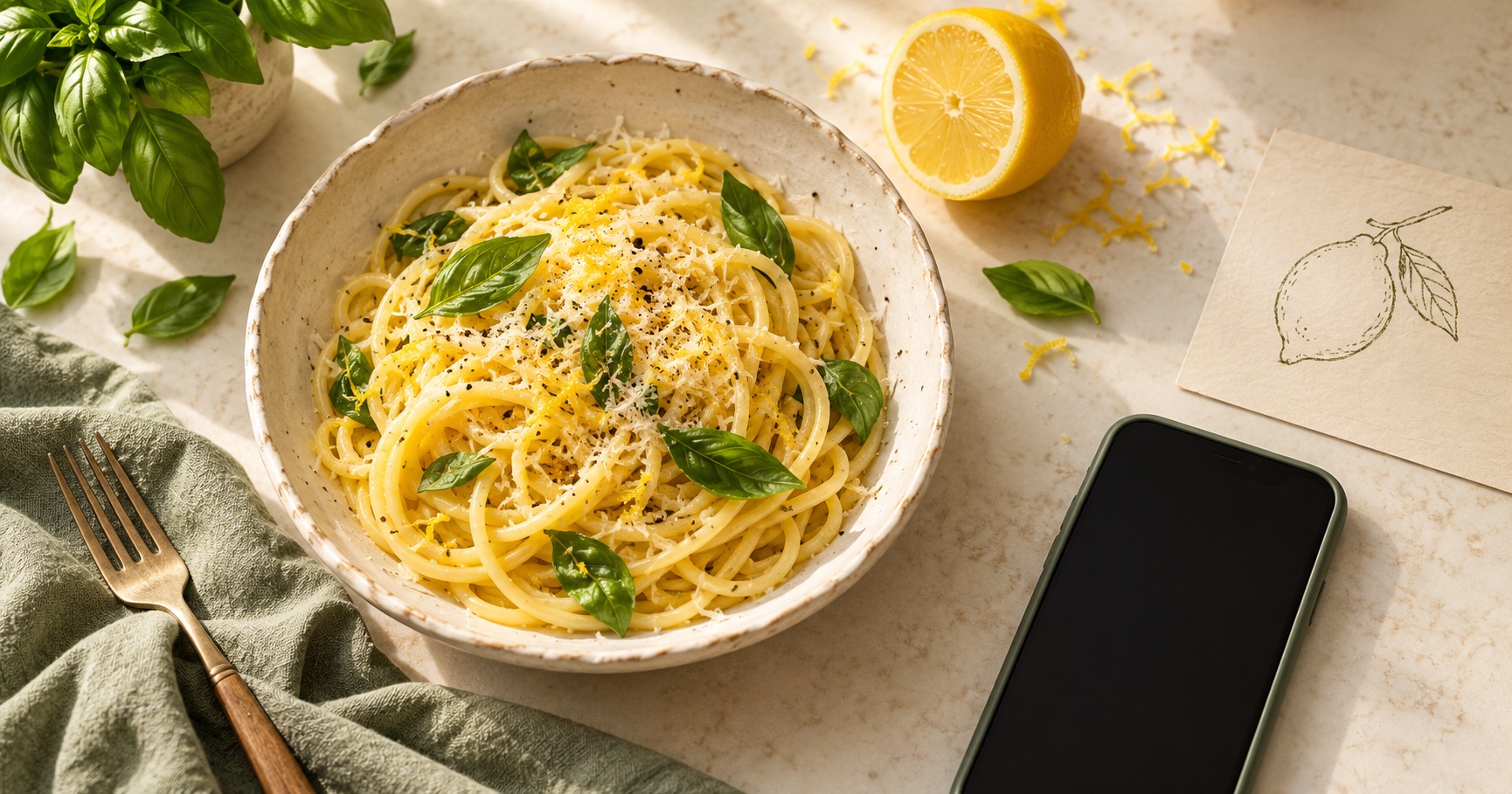
How to save Instagram recipes and find them later
You save a pasta reel on Tuesday. By Friday, you remember the lemon sauce and the pan, but neither the creator's name nor the recipe title. Finding dinner now means scrolling through everything else you saved that week.
In Luckynote, you can keep the post with a short note about why you want it. Search can then start with something useful, such as "lemon pasta for Friday," instead of the name you have forgotten.
Save the post while you have it open
Copy the Instagram post's link and save it in Luckynote. On mobile, you can also use Luckynote's share option where available. If you need help with the capture step, follow the Instagram saving guide.
Add a line in your own words:
Lemon pasta. Try Friday. Use the small pan and check whether the sauce needs cream.
That sentence records your intention. The original post tells you what the creator made; your note explains what you planned to do with it.
For a recipe spread across several slides, keep the original carousel link. If an ingredient list is visible only in an image you already have, save the screenshot too. A link and a screenshot can provide different pieces of the recipe.
Check what was actually saved
Open the saved item before depending on it for your shopping list. Check that the link points to the right post and that any screenshot includes the ingredients you need. A short reel may omit amounts, and a private or unavailable post may not supply enough information.
Check the ingredients against the original. If the creator says "a little flour," keep that wording or add your own measured version after cooking. Treat a missing cooking time as something to check, rather than a detail to guess.
Find dinner using what you remember
Search for a distinctive ingredient, a phrase from your note, or the dish name. "Lemon pasta" is a useful first attempt. If that brings back too much, add "Friday" from the note you wrote when saving it.
Open the matching save to read your note or the text in your screenshot. Follow the original link when you need the creator's instructions. Your own comments can stay alongside the saved post.
Keep the version you actually cooked
After dinner, add a short follow-up:
Used half the lemon. Needed more pasta water. Enough for two with a salad.
Next time, you have a record of your version as well as the original. A Recipes folder can help if you like browsing a shortlist, but you can start with Inbox and organize the recipes you cook repeatedly later.
The same approach works for TikTok recipe links, recipe websites and photographed recipe cards. Save the source, write what made it useful to you, and check the instructions before cooking.